


















Are you still worried about developing and debugging the touch function of YS32 series MCU? Don't worry, Huichun Technology's touch debugging software is here to save the scene! It can intuitively present touch data and draw curves, making development and debugging efficiency soar! Below is a detailed tutorial for everyone to use.
Demonstration operation video

preliminary preparation

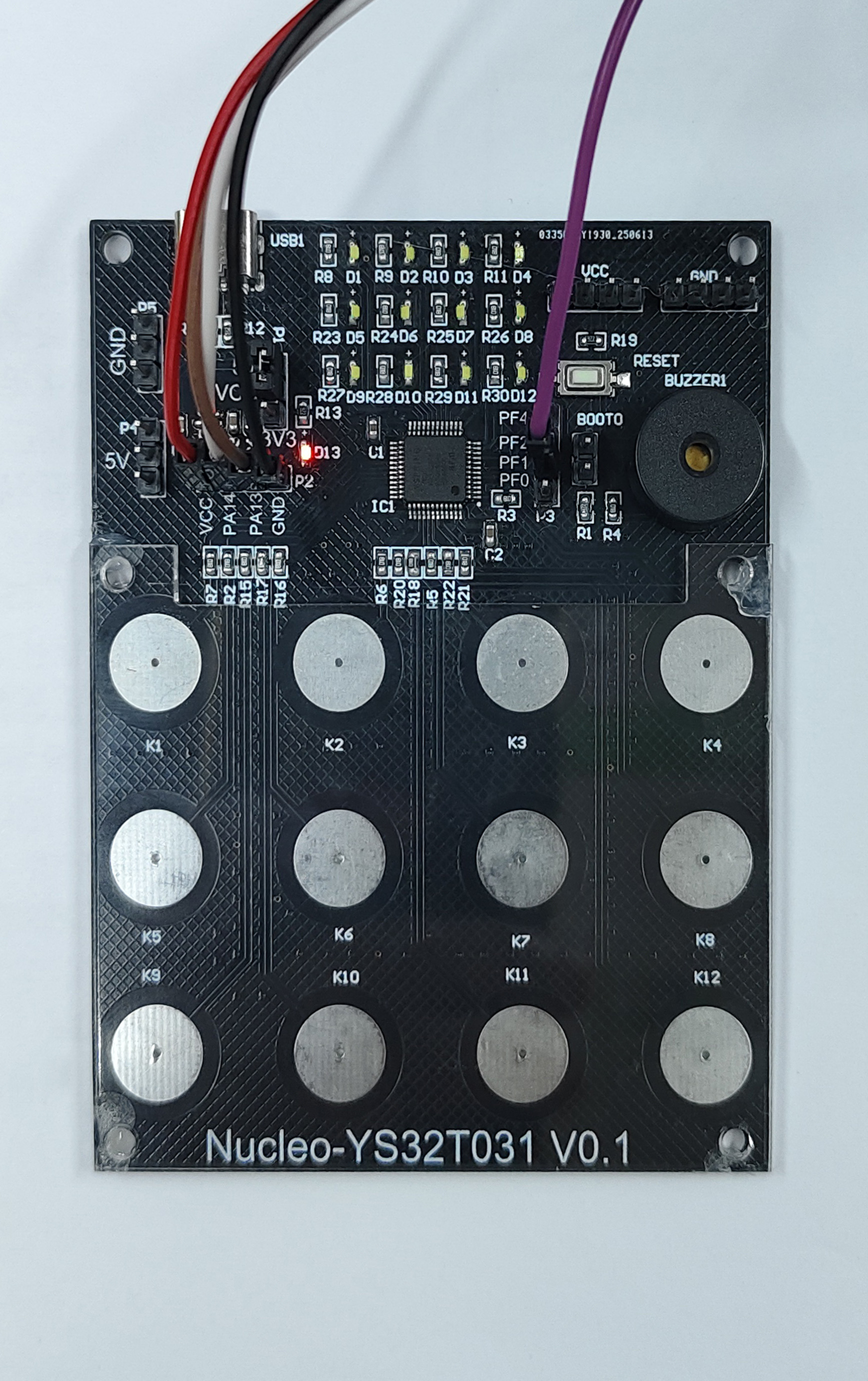
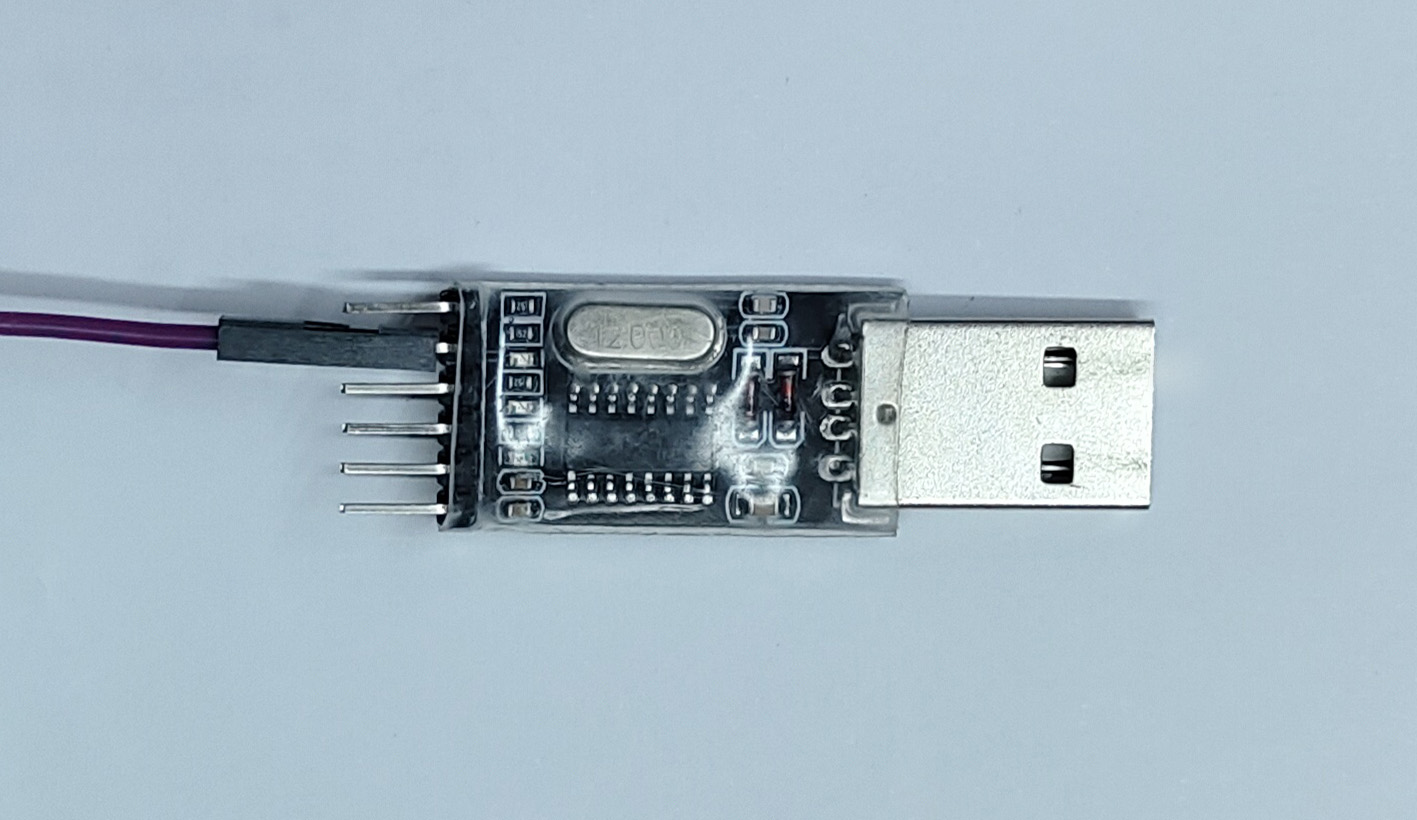
Hardware: One YS32T031 development board, one emulator, and one serial port module
Software: YSGPT code generation tool, Touch Test 1.3.1 touch debugging software
01 Code Generation
Create a project using YSGPT and select the chip model YS32T031C8T6.
Select the Touch module in the Middleware submenu, check the desired touch pin, and enable 'debug output'.
Click on pin PF1, select the UART1-TX function, modify the project settings, and then "Generate Code".
View the generated touch function code in "Code Preview", then proceed to "Compile Project" and "Burn Program".
02 Software Debugging
Open Touch Test 1.3.1 software and select the serial port (such as COM26).
Click the 'Start' button and touch the data and curves to display them immediately.
Press the touch button on the development board with your fingers and observe the changes in data and curves.
Operation tips:
After clicking on the graphic area, the scroll wheel can zoom in and out of the image as a whole.
Click on the vertical axis and use the scroll wheel to zoom in and out of the image height separately.
Click on the horizontal axis and scroll to zoom in and out of the image data range separately.
On the right side, you can check whether to display or hide curves.
After stopping the display, data can be saved or historical data can be read.
03 Software advantages
This touch debugging software not only significantly improves the development efficiency of YS32 series MCU touch functions, but also has a universal serial port data viewing function to meet the diverse needs of developers. For details of the communication protocol, please refer to the accompanying documentation of the software.
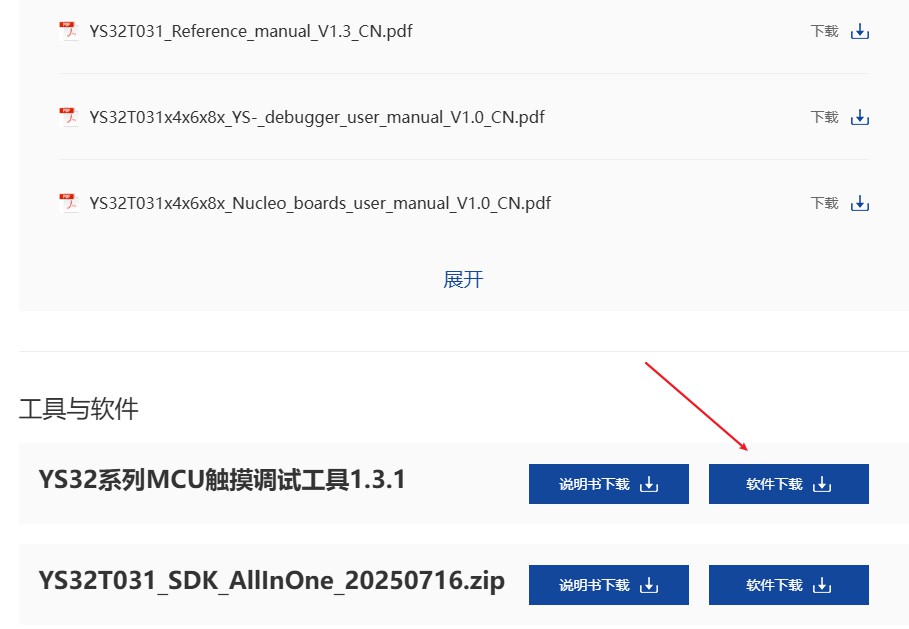
Action is better than excitement! Go to the official website to download and try it out, and start a new experience of efficient development 👉 Download link: https://yspringtech.com/article/YS32T031xl/ .



0755-86227153





